

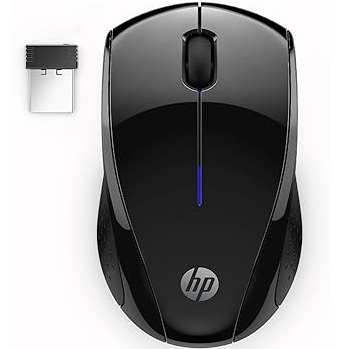
HP Wireless Mouse X3000 G3T Black, 1600 DPI, Nano Receiver, Windows Compatible

HP Wireless Mouse G3t X3000, black, 1600DPI
Interface-USB
Hand Orientation-Both Hands
Tracking Method-Optical
Buttons-3
Scrolling Capability-Scroll Wheel
Resolution (DPI)-1600 dpi
$15
HP X3000 mouse gives you simple wireless control, smooth movement, and easy daily use. Also, it works well for work, study, browsing, office tasks, and home use.
HP X3000 Mouse Features
This mouse has a wireless design. Therefore, it helps keep your desk clean with fewer cables.
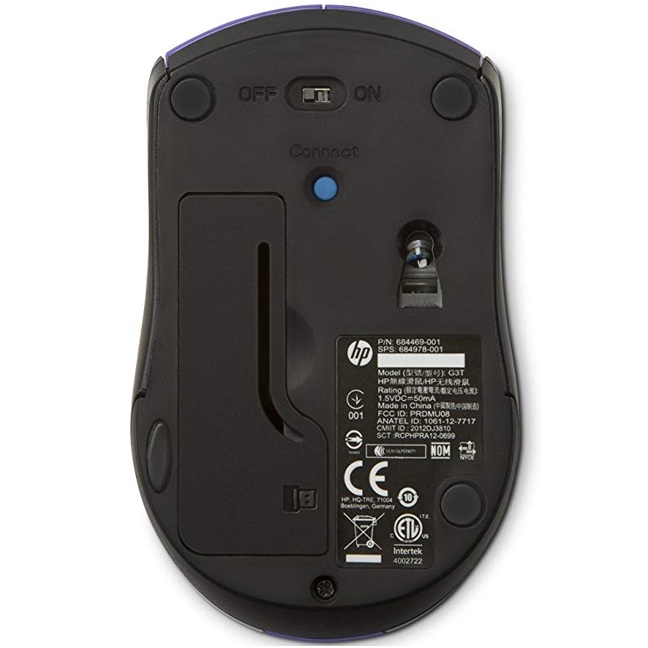
It comes with a nano receiver. Also, the small receiver makes it easy to connect and use.
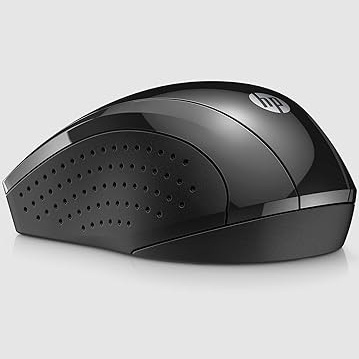
The black design looks clean and simple. As a result, it fits laptops, desktops, office desks, and home setups.
Wireless Mouse for Daily Use
HP X3000 mouse is useful for normal computer tasks. You can use it for browsing, emails, files, documents, and online work.
Also, it works well for students, office users, home users, and laptop users.
The wireless connection makes movement easier. Therefore, you can use your mouse with more comfort.
1600 DPI Mouse Control
This mouse supports 1600 DPI control. Also, it gives smooth movement for daily tasks.
You can use it for websites, documents, spreadsheets, and basic computer work.
The simple shape makes it easy to use during long sessions. As a result, it is practical for daily productivity.
Windows Compatible Mouse
HP X3000 mouse works with Windows 7, Windows 10, and Windows 11. Therefore, it is useful for many laptop and desktop setups.
The mouse uses an AA battery. Also, it comes with useful box items such as the nano receiver, battery, quick start guide, product notice, and warranty card.
It also offers long battery life for normal use. This makes it a good choice for users who want a simple wireless mouse.
Easy Mouse for Work and Study
This mouse is easy to carry in a laptop bag. Also, it is useful as a main mouse or a backup mouse.
You can keep it at home, at work, or with your laptop accessories.
In addition, the plug-and-use style helps you start quickly without a complicated setup.
Why Choose HP X3000 Mouse?
Choose HP X3000 mouse if you want a simple wireless mouse with 1600 DPI control, nano receiver, black design, Windows support, and daily comfort.
Overall, this mouse works well for work, study, browsing, office use, home use, travel, and everyday computer control.
| Brand | HP |
|---|
Related products
-
Accessories, Bags, Gaming Accessories
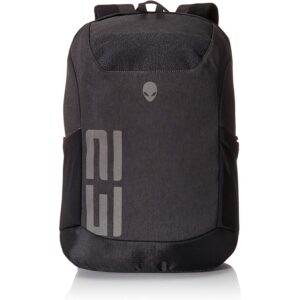
Alienware Back Pack 15.6 And 17.3 inch AWM17BPP
Durable Heathered Gray fabric with Ballistic weave base panels.
Padded laptop sleeve to keep electronics safe and protected.
Huge side stretch knit nylon pockets for easy storage.
Upper accessory pocket for sunglasses and quick access items.
Valor patch Hook and Loop panel to wear allegiances proudly.SKU: AWM17BPP